Guides
N8n Integration
Connect n8n workflow automation to UniterRouter for AI-powered workflows
n8n is a powerful workflow automation tool that can be enhanced with AI capabilities through UniterRouter. This guide shows how to integrate UniterRouter into your n8n workflows.
Prerequisites
- An UniterRouter account with an API key
- n8n instance (cloud or local)
- Basic understanding of n8n workflows
Setup
The easiest way to use UniterRouter with n8n is through the OpenAI node with custom configuration.
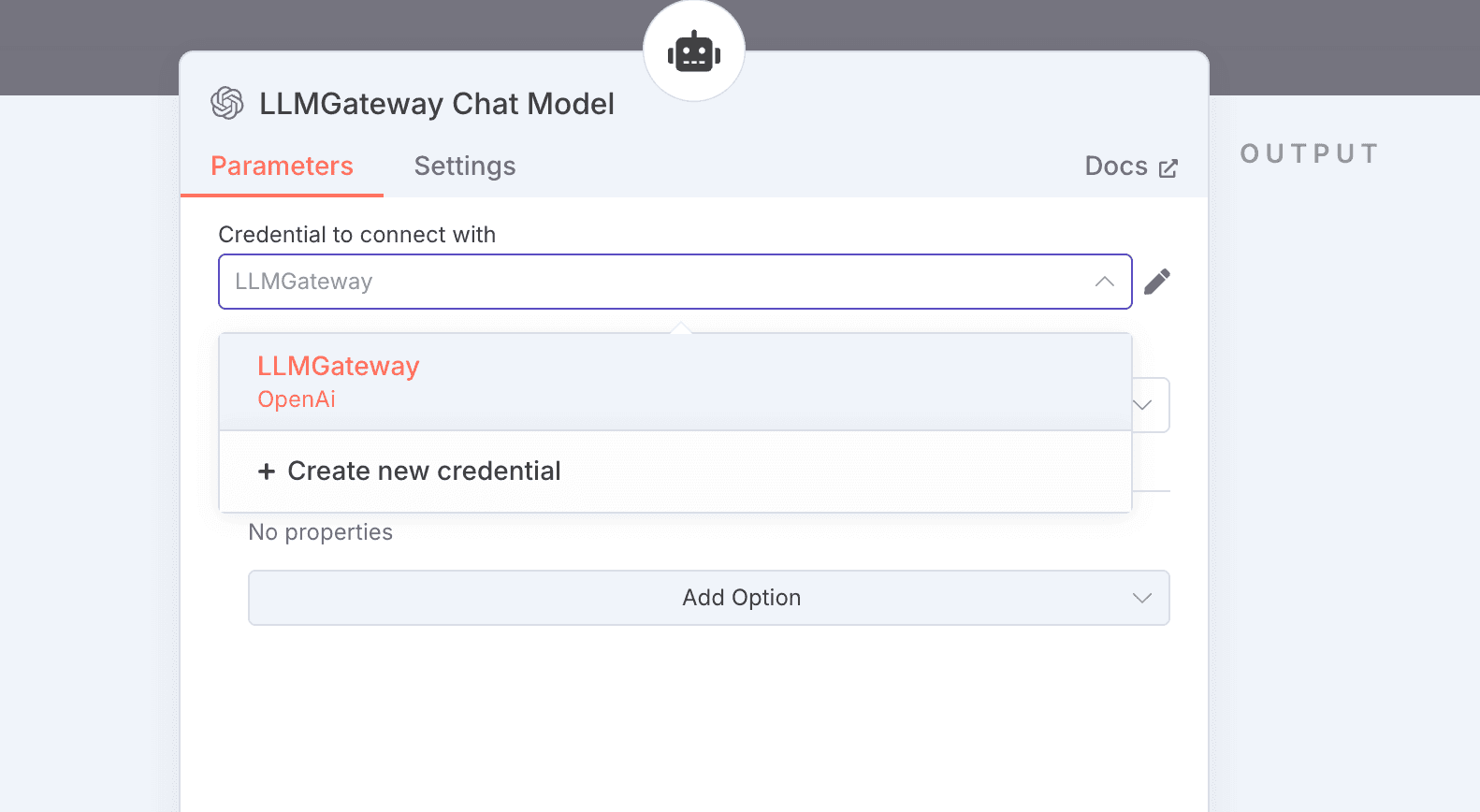
Add OpenAI Credentials
- In n8n, go to Settings → Credentials
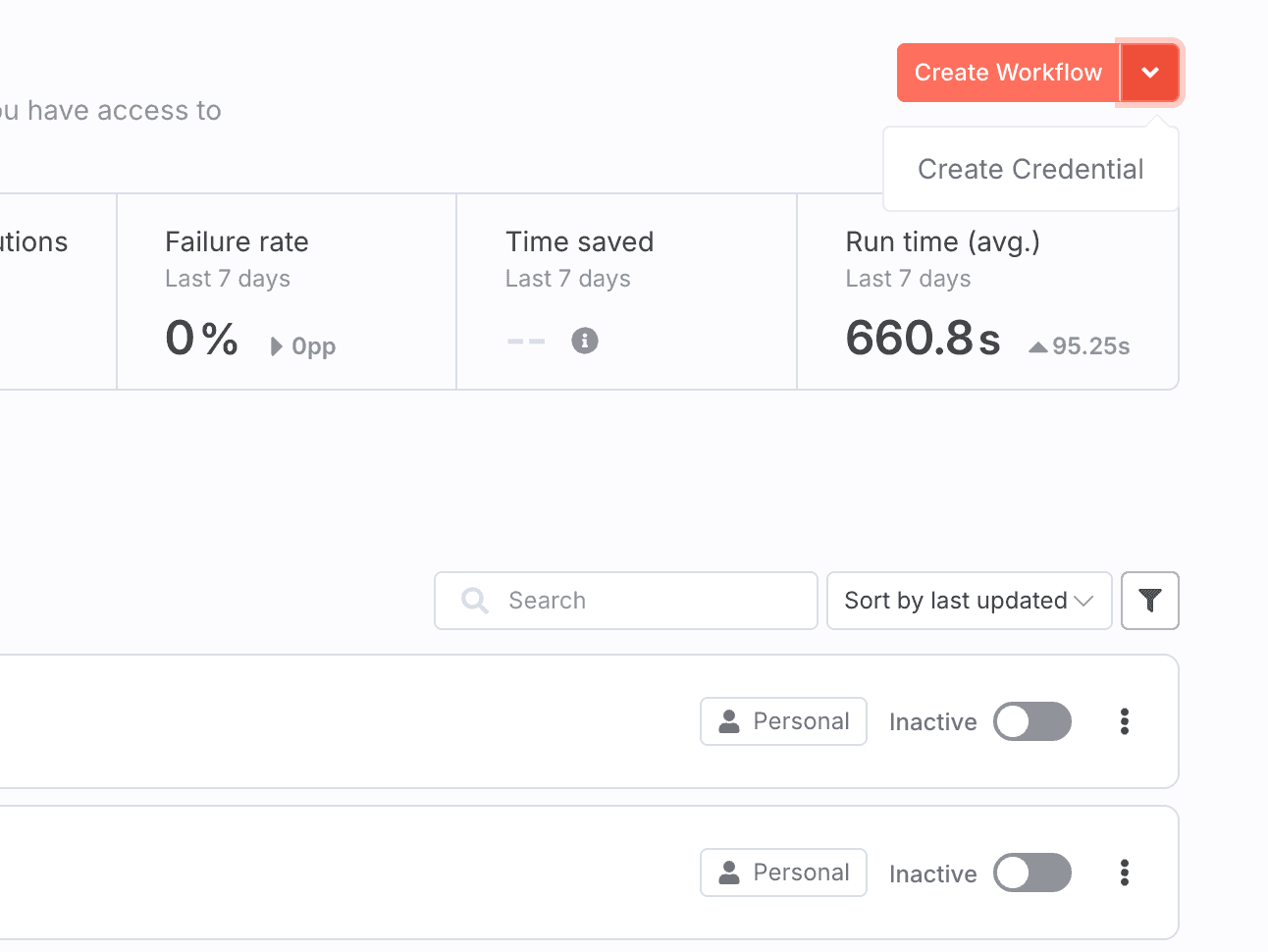
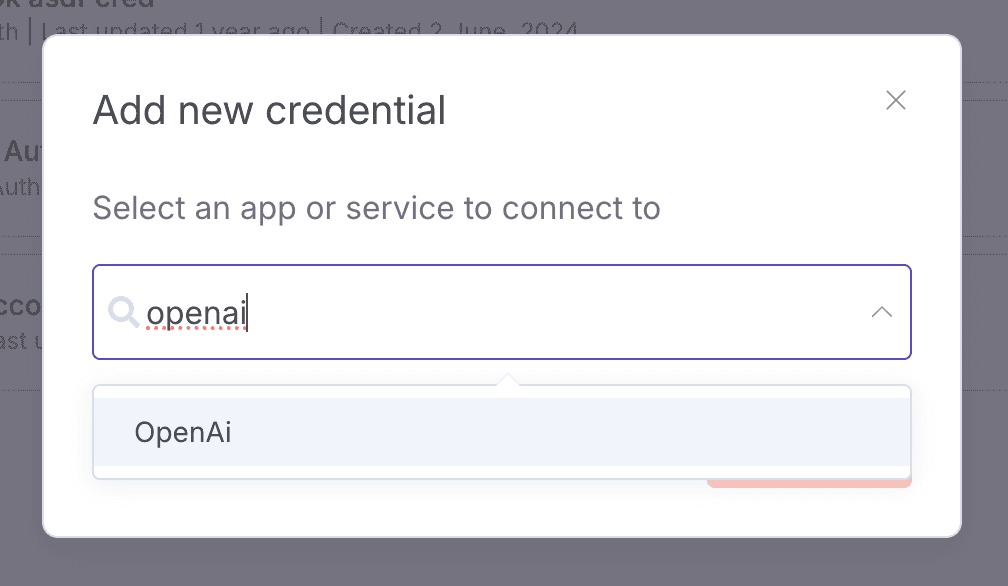
- Click Add Credential → OpenAI
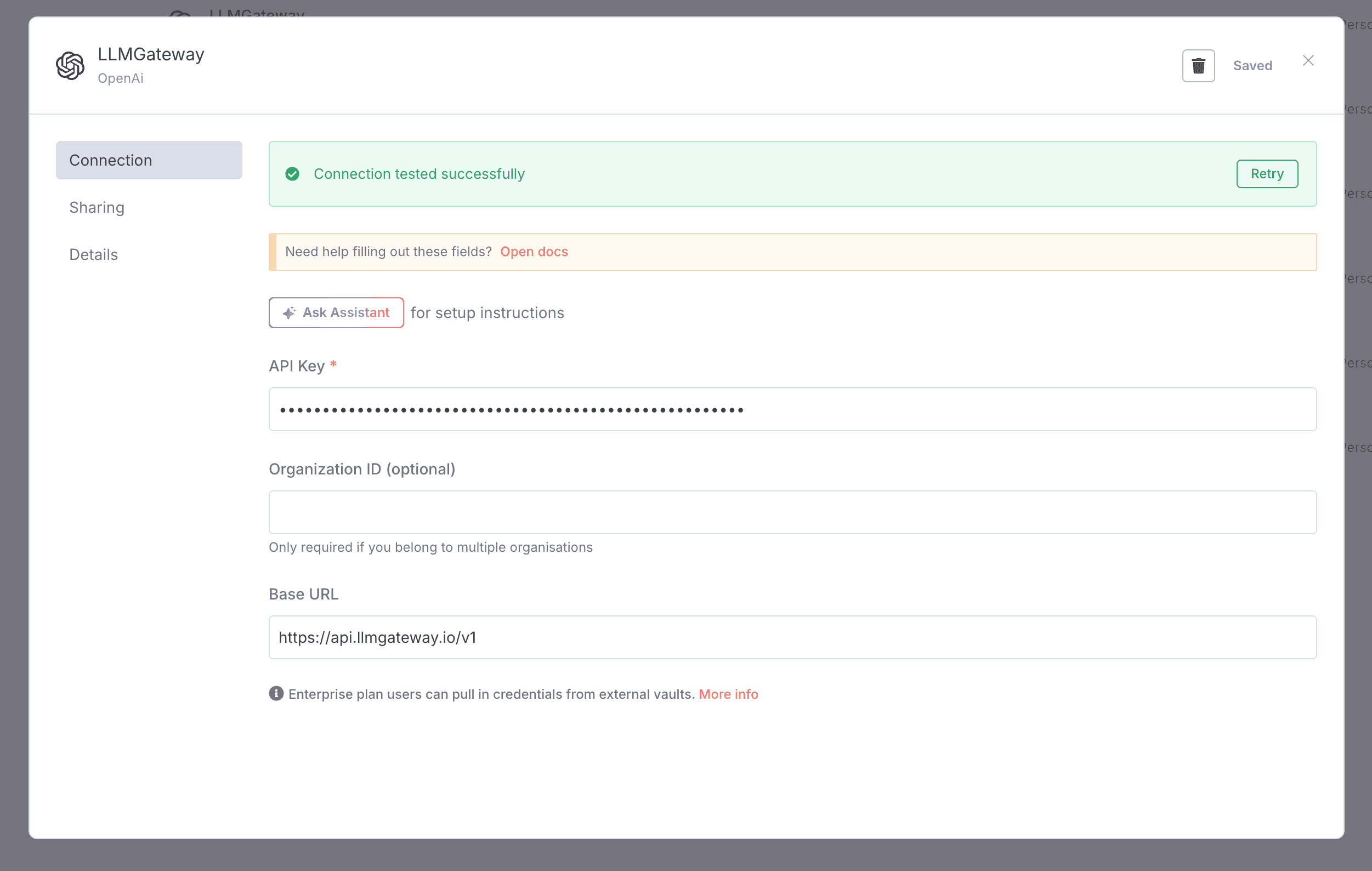
- Configure as follows:
- API Key: Your UniterRouter API key
- Base URL:
https://api.uniterouter.ai/v1 - Organization ID: Leave blank
Configure OpenAI Node
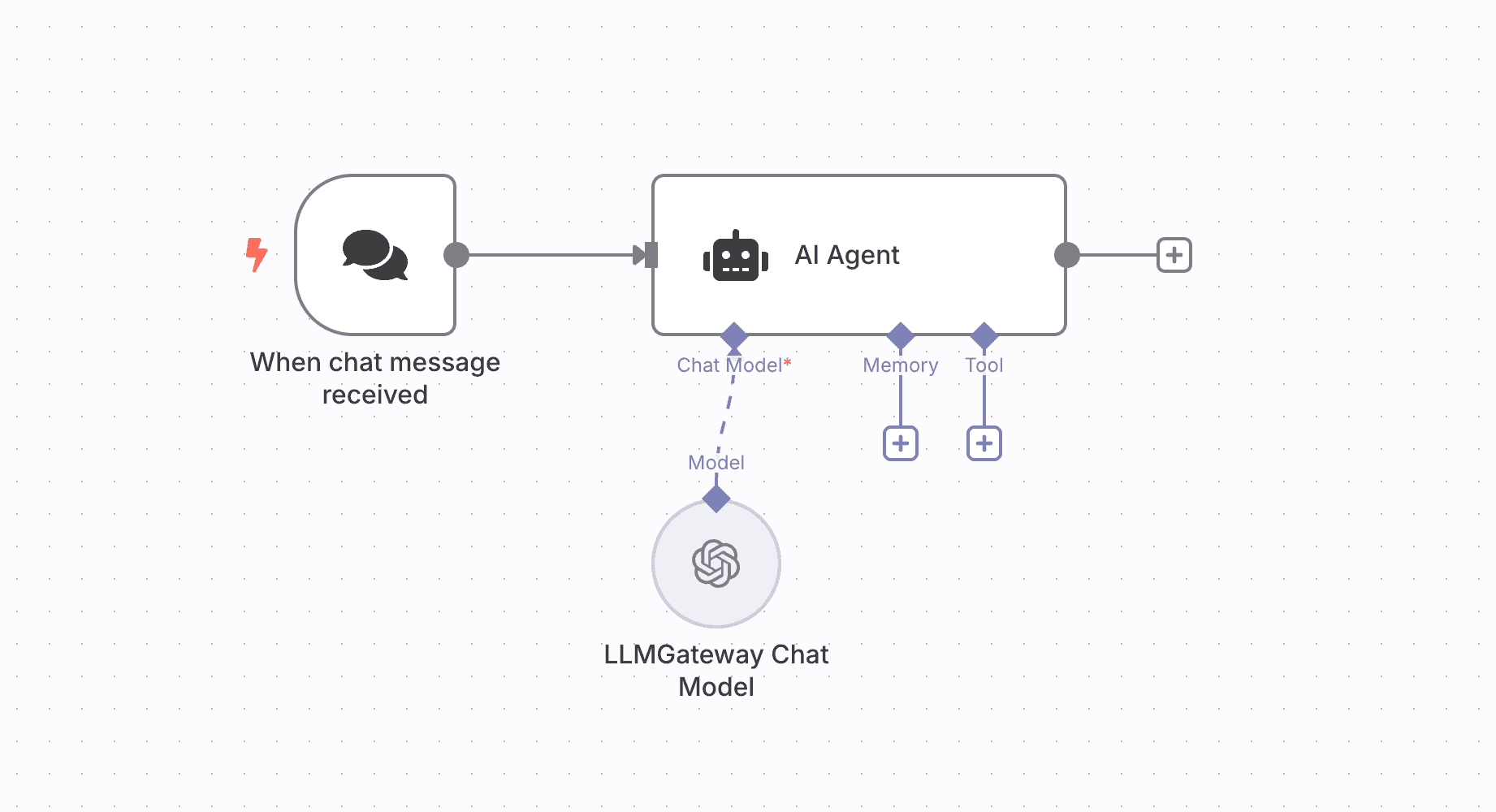
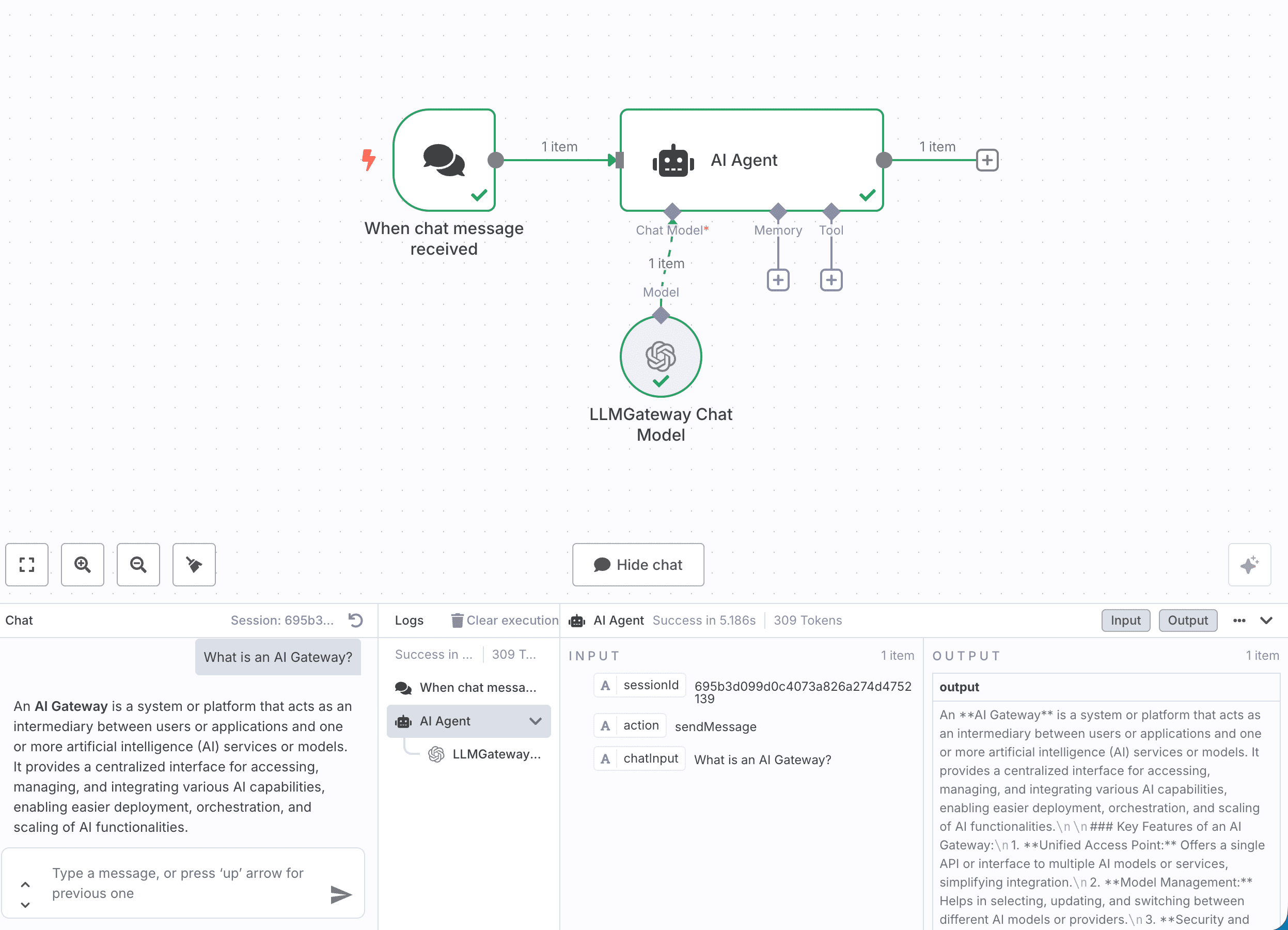
- Add an AI Agent node to your workflow
- Add a Chat Model edge to the node
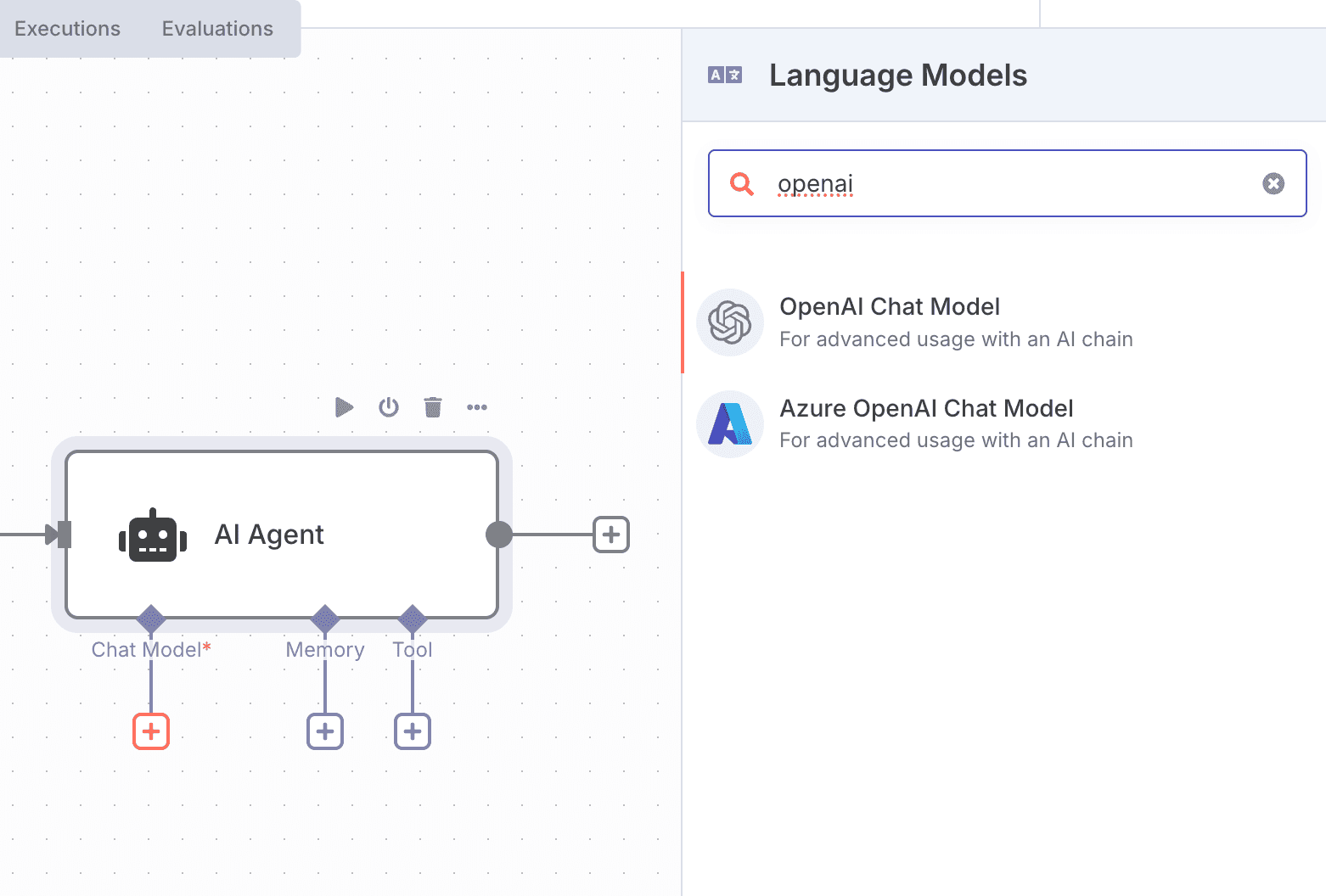
- Configure the node to use the UniterRouter provider
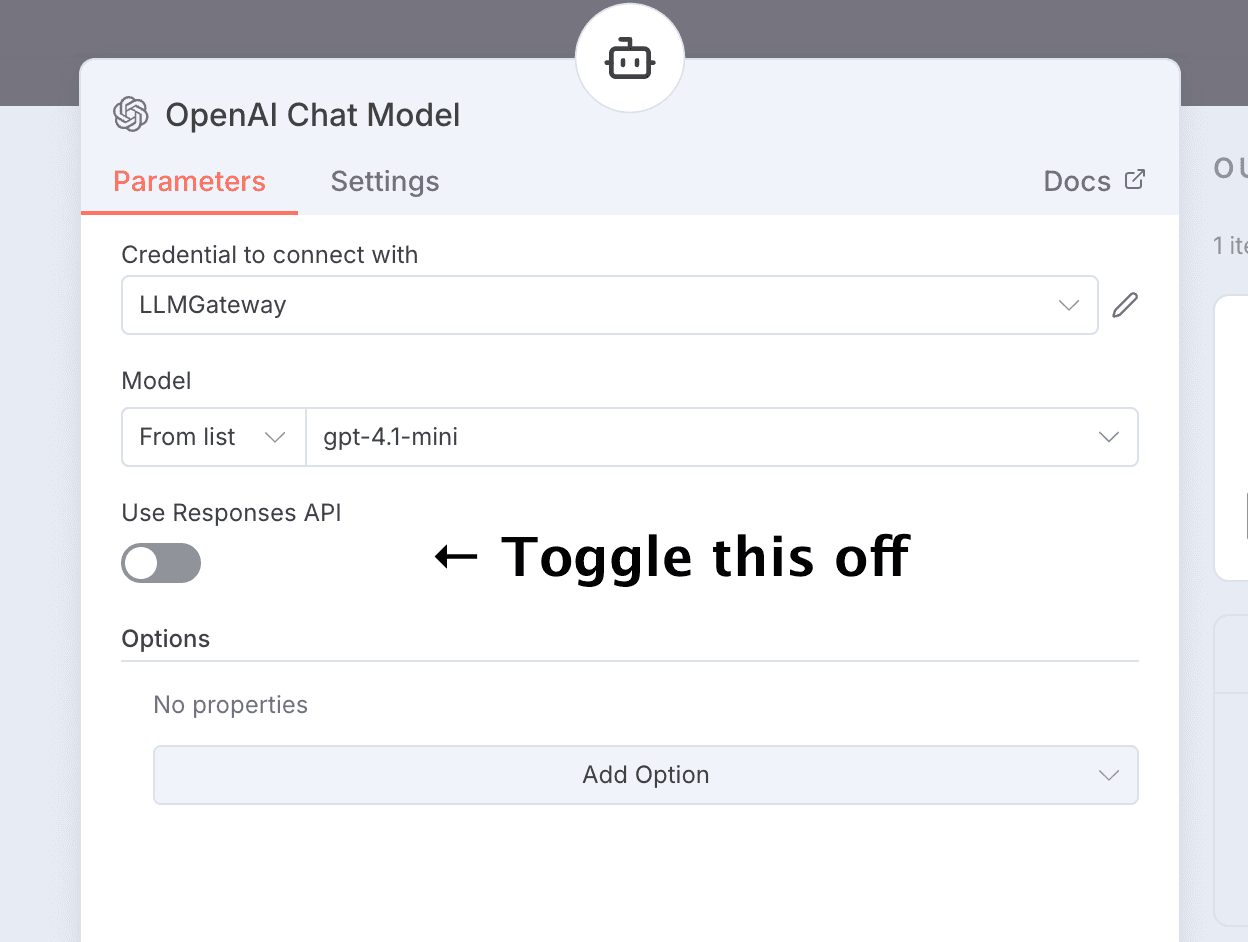
Note: You have to toggle off the responses API. UniterRouter does not support it.
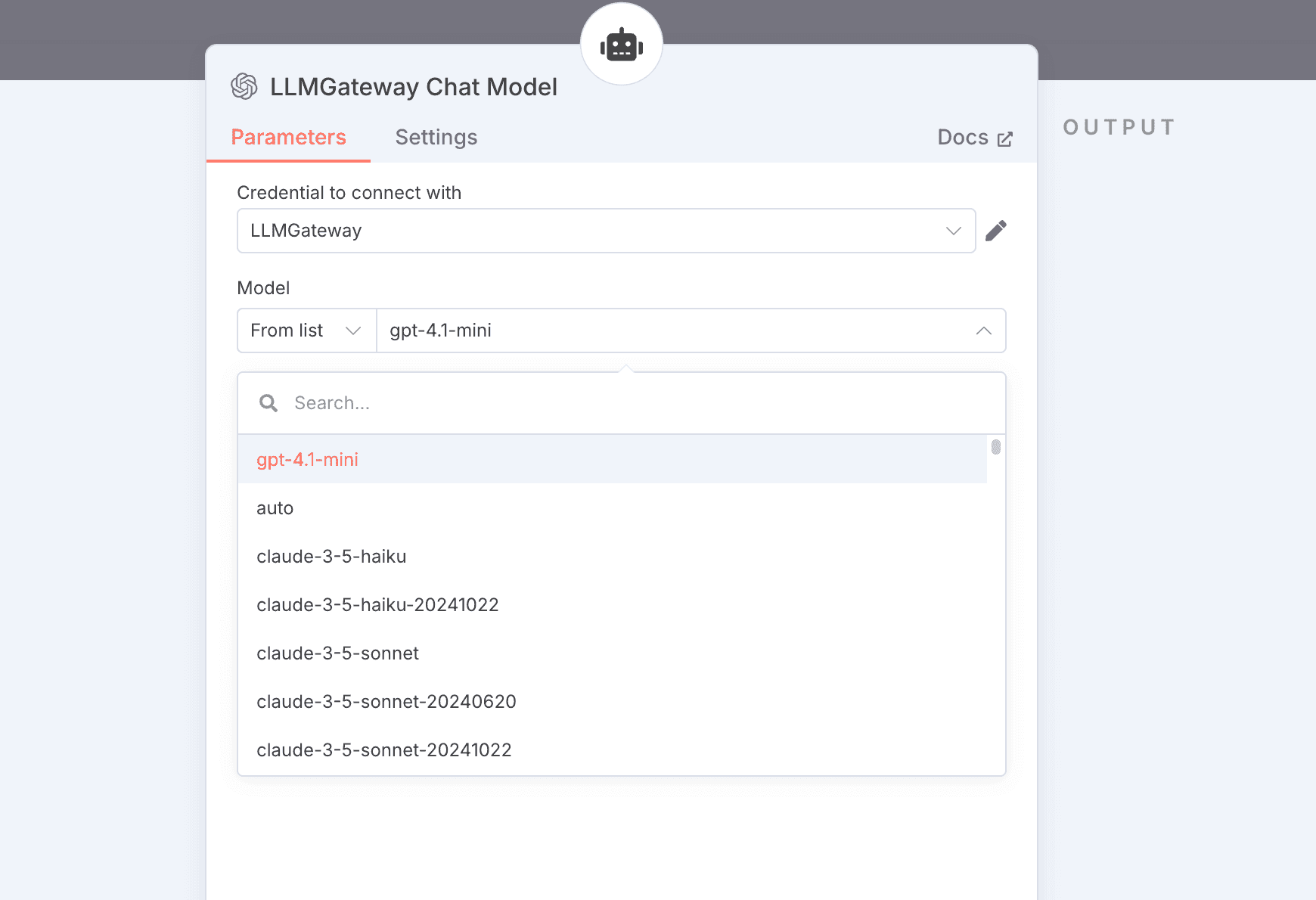
- Select your desired options
- Model: Use any UniterRouter model ID (e.g.,
gpt-5) - Options: Optionally, configure LLM parameters
How is this guide?